
Mobile App WCAG Redesign & Fixing Critical Workflows
Amilia is an end-to-end platform for recreational organizations to manage registrations, payments, and client relationships.
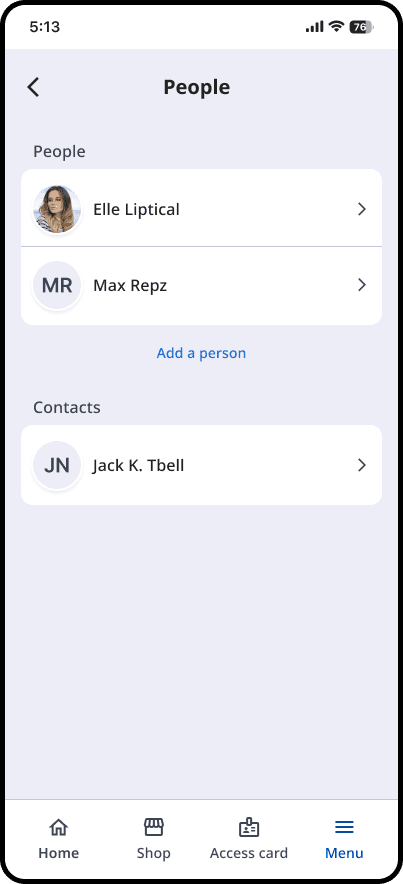
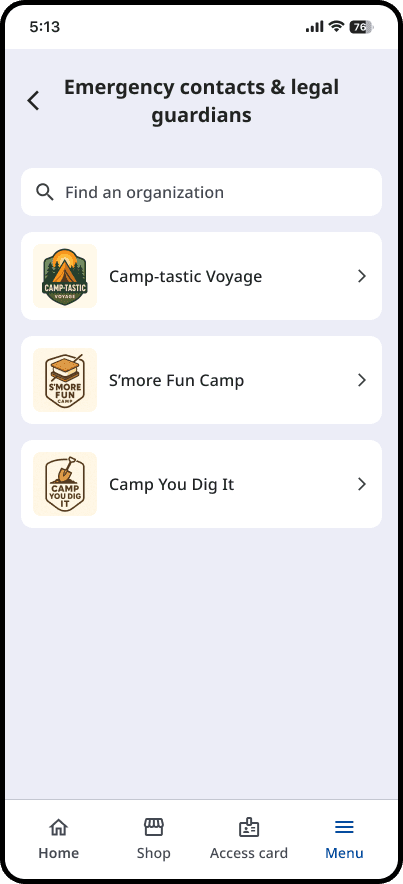
When a strict WCAG compliance deadline triggered a full mobile app rebuild, our design team had to overhaul the entire component library and information architecture. As part of a multi-designer team, I owned the Account Management experience.
My role
Each designer owned a specific slice of the product, and worked together to define the overall architecture. I took ownership of the account management area, starting with research to better understand users' mental models and current pain points.
The Problem
While rebuilding for WCAG compliance mitigated legal risk, my initial research with administrators uncovered a costly operational bottleneck during tax season.
Every year, organizations wasted hundreds of hours manually fixing incorrect user data required for RL-24 tax credits.
How I Tackled This
Uncovering problems
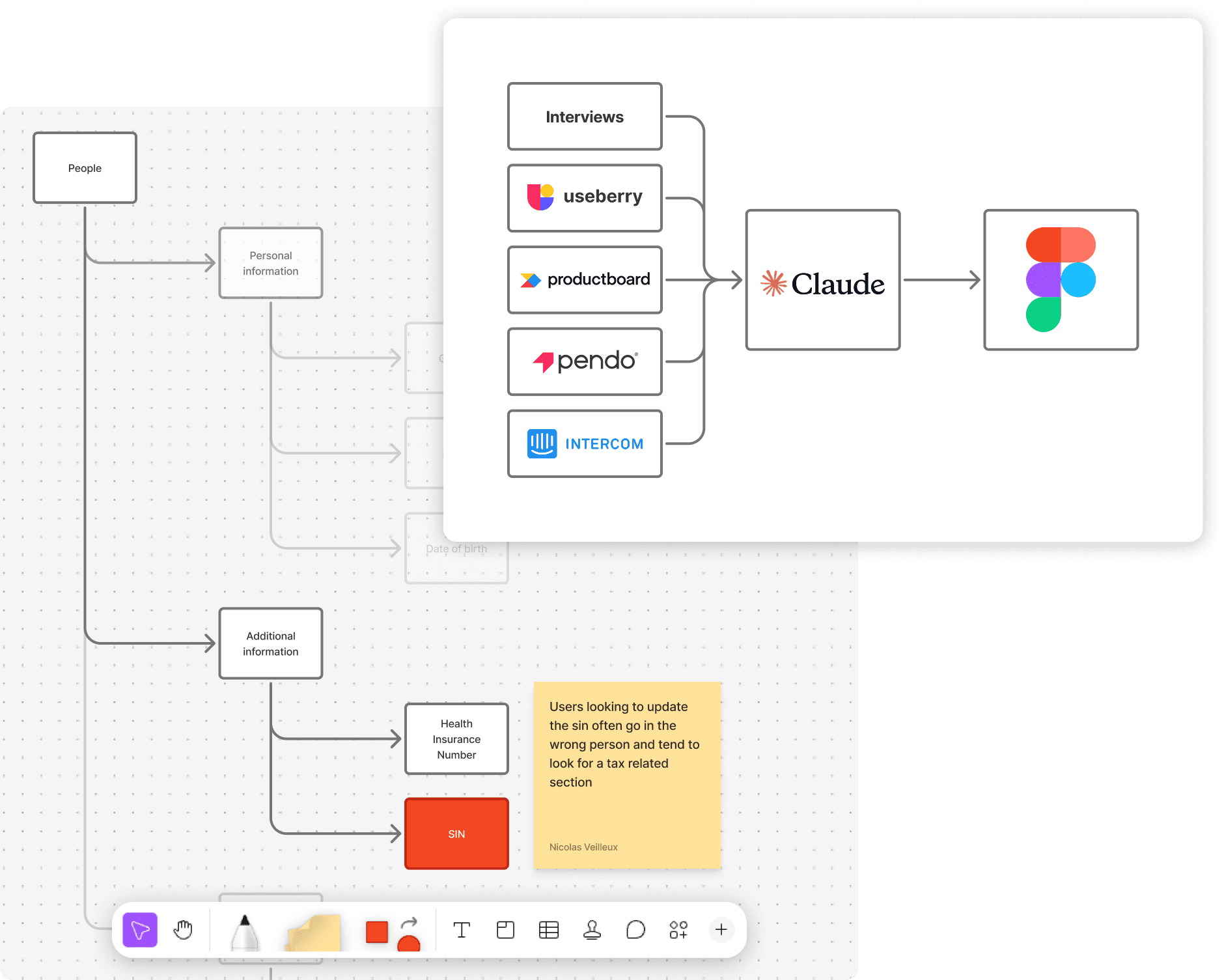
I started by interviewing administrators and customer support teams, then leveraged AI tools to gather insights from all our past customer requests and tickets to understand where the pain points were.
Most of what we heard confirmed what we suspected; confusing flows, content in unexpected places, general poor UX.
But one thing caught me off guard. Quebec organizations were losing hundreds of hours every tax season manually fixing bad or missing RL-24 data from their users.
Testing to understand the pain points and their why
I ran card sorting, tree testing, and naming exercises to understand how users think about account information to fix the information architecture. We fixed a lot of small things, but the tax situation was more complex.
I identified three key issues:
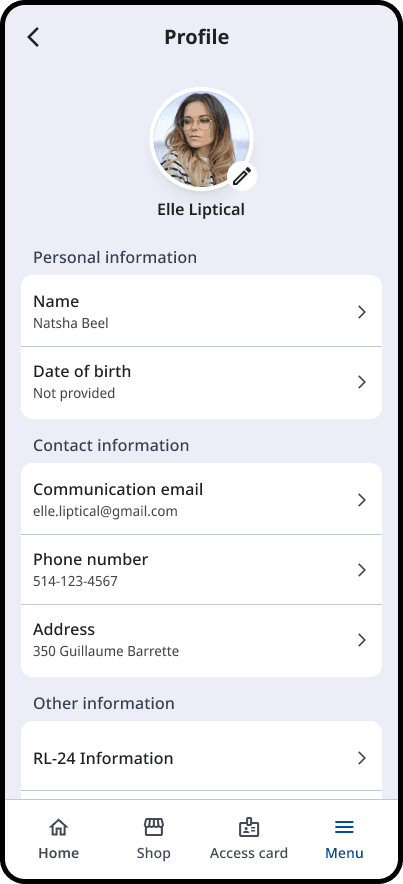
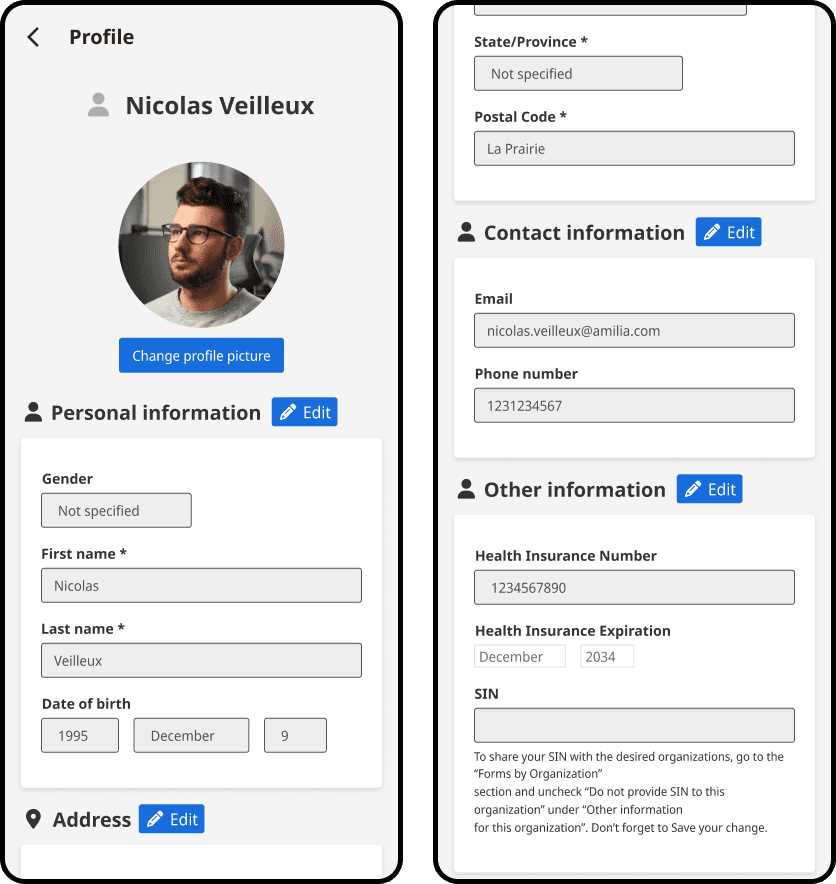
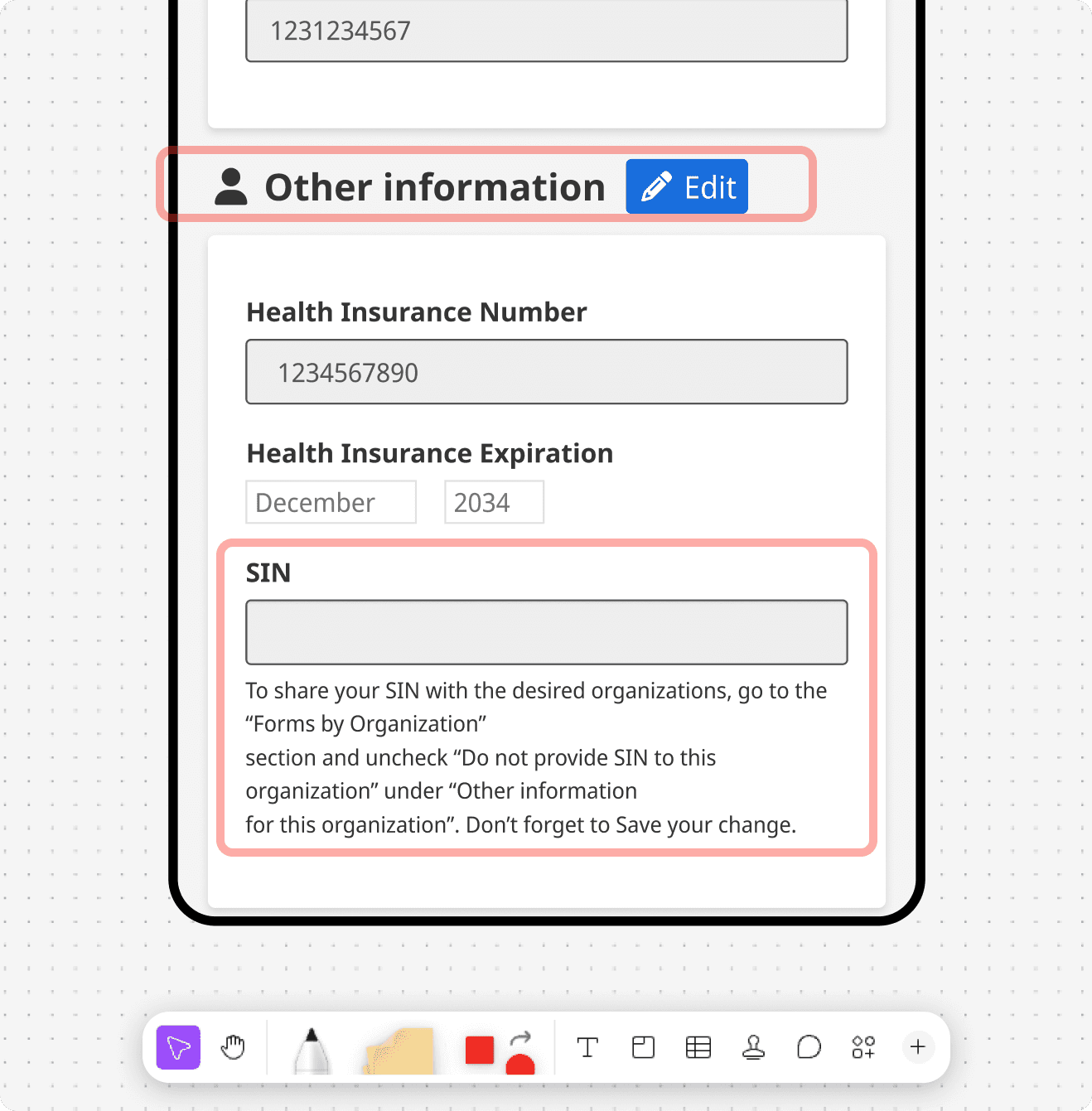
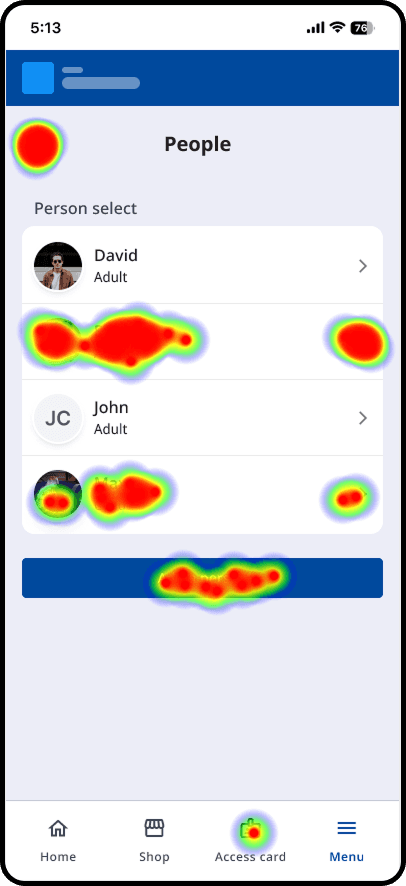
The SIN field was buried under "Other information". Users seeing it there didn't understand what it was for, and users wanting to fill it were looking for something related to tax or forms.
Users were not comfortable simply sharing their SIN without understanding why
Users didn't want every organization to have it
Iterations and user tests
Once we understood why it was broken, I redesigned the flow, the structure, and the labeling around it, then tested it through Useberry with real users and iterated until it held up.
I ran a second round of tree tests to see how the new proposed IA would perform
I ran tests on the copy to see what users understood and how comfortable they would be with the actions
I then ran usability tests to see how users interacted with the new section giving them complex tasks to complete such as setting things up for "User A" to recieve the tax credit for their child "User B"
I iterated until we got something that we were confident in
The solution
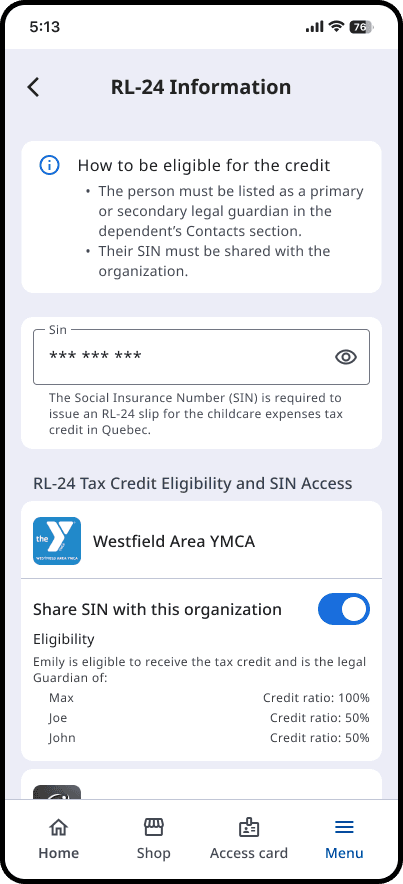
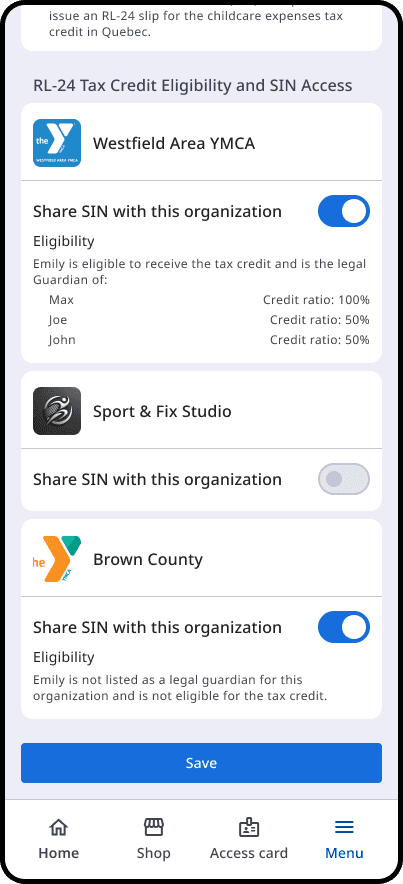
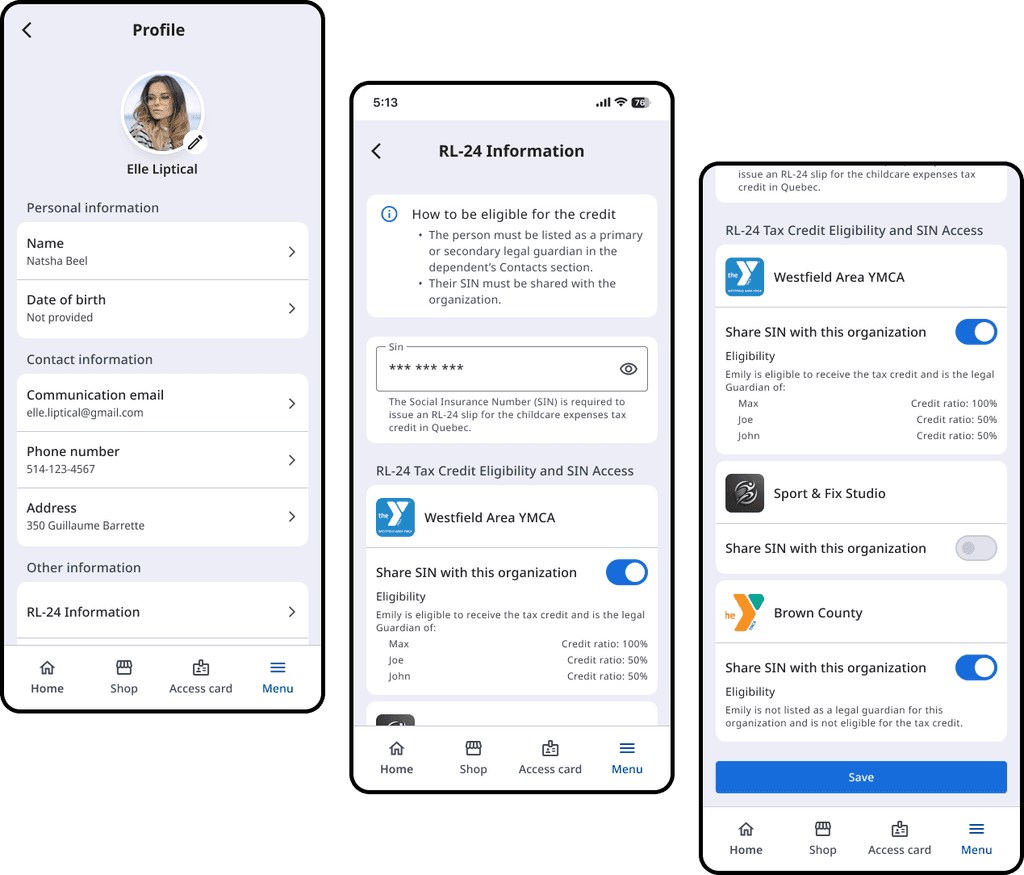
I redesigned the account hierarchy to introduce a dedicated "RL-24 Information" section, focusing on three pillars:
Contextual Clarity: Tied the SIN input directly to the tax credit explanation.
Data Privacy & Control: Introduced granular permissions, allowing users to choose exactly which organizations could see their sensitive data.
Accessibility: Ensured all designs adhered to WCAG AA standards, including screen reader compatibility for each page.
Results
Validating with customers
Because this redesign was delivered ahead of the upcoming tax cycle, we haven't yet tracked live quantitative data. However, we brought the finalized designs to our team and back to the administrators who originally highlighted the issue.
Internal & Admin Feedback
The response was very positive. Admins thought that the clearer data-sharing permissions and dedicated RL-24 context would help lower the friction they face every tax season.